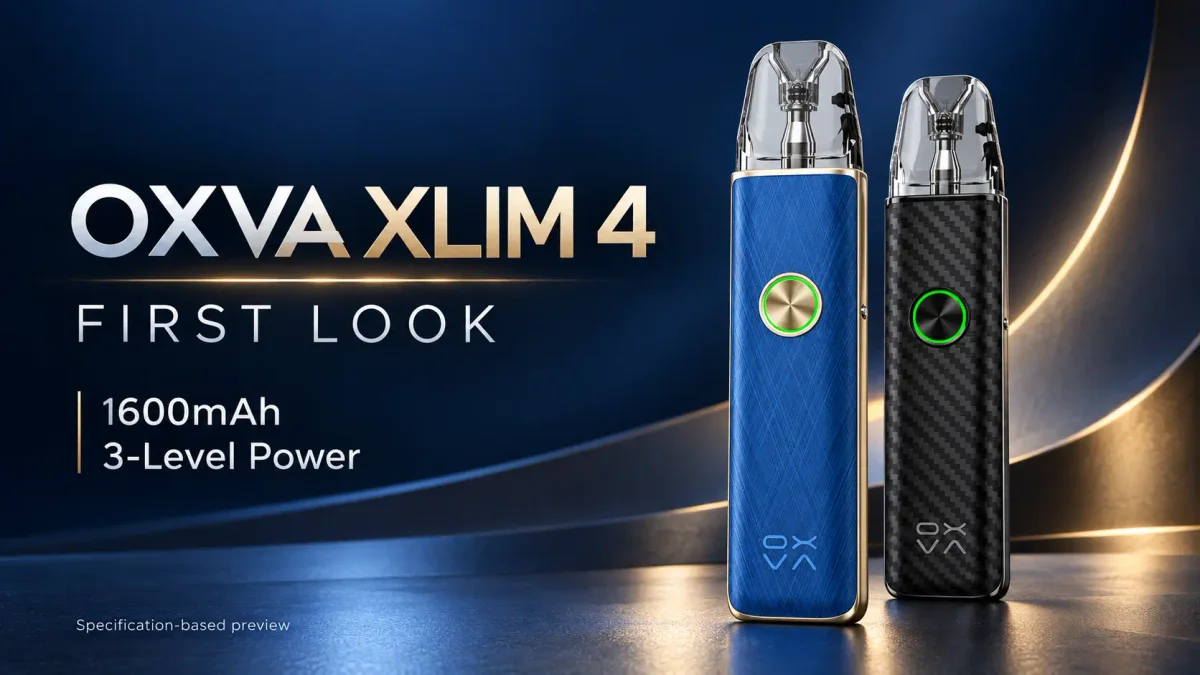
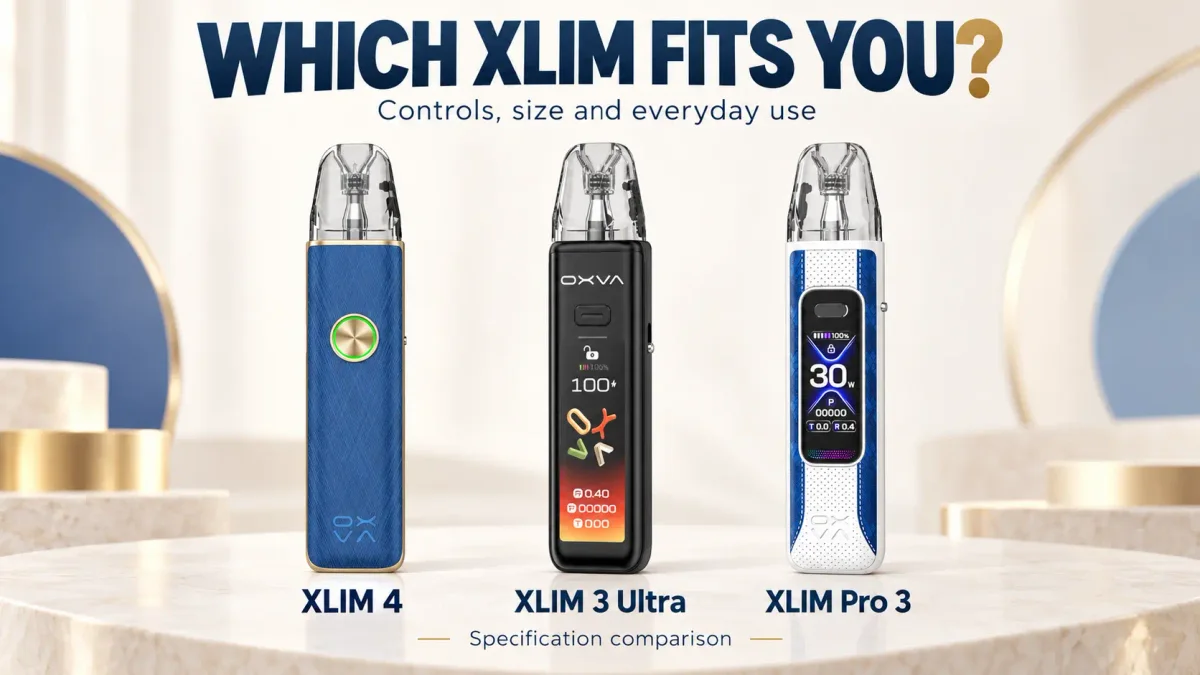
The XLIM 4 suits users who want three straightforward power choices at a lower listed price. The XLIM Pro 3 earns its premium through a colour screen, precise wattage adjustment and a second included pod. Both reach 30W. The decision comes down to the controls you use and what you get in the box.
A specification-based comparison using OXVA’s official information and store listings, checked on 14 October 2026. Buying judgments below are based on those specifications, rather than a hands-on performance test.
Article images are AI-assisted product composites based on reference images, not photographs from hands-on testing. Screens show illustrative product displays.
| What you are comparing | OXVA XLIM 4 | OXVA XLIM Pro 3 |
|---|---|---|
| Power adjustment | Low / Medium / High presets | Adjustable wattage, 5–30W |
| Maximum output | 30W | 30W |
| Operating controls | Draw activation documented; button changes presets and lighting | Auto draw or button activation; button adjusts settings |
| Display | Ring light; battery shown in colour bands | 1.05-inch HD colour screen |
| Battery | 1600mAh | 1500mAh |
| Charging input | USB-C, 5V/2A | USB-C, 5V/2A |
| Standard dimensions, H × W × D | 121 × 26.2 × 15.2mm | 119.9 × 25.7 × 15.0mm |
| Listed weight | 78.1g | 77.4g |
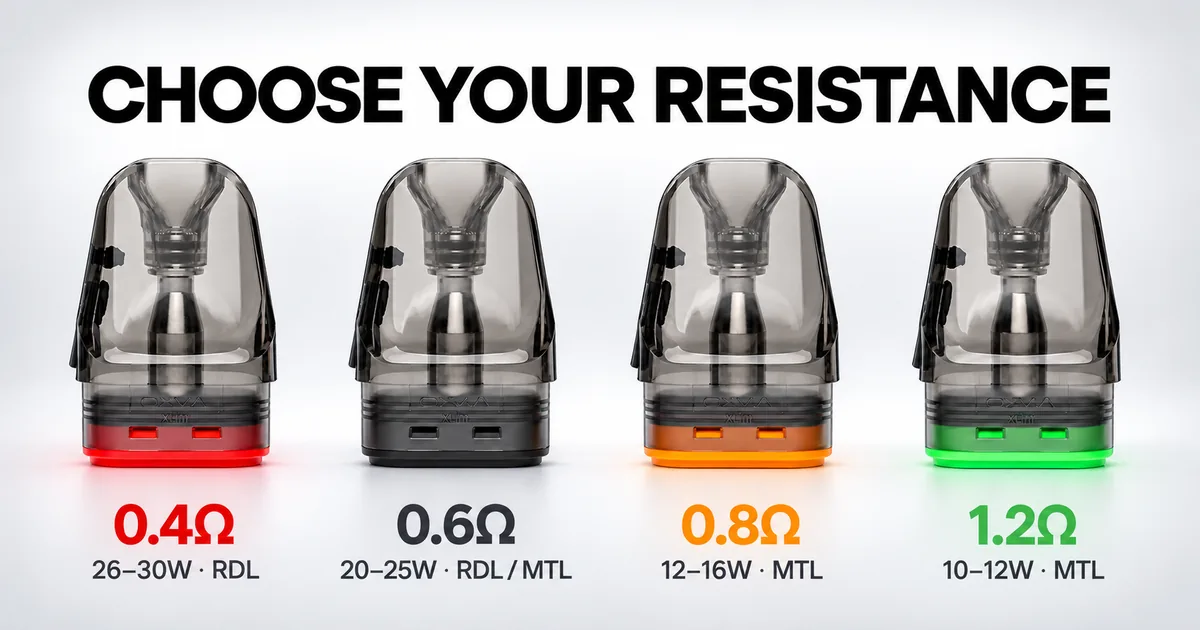
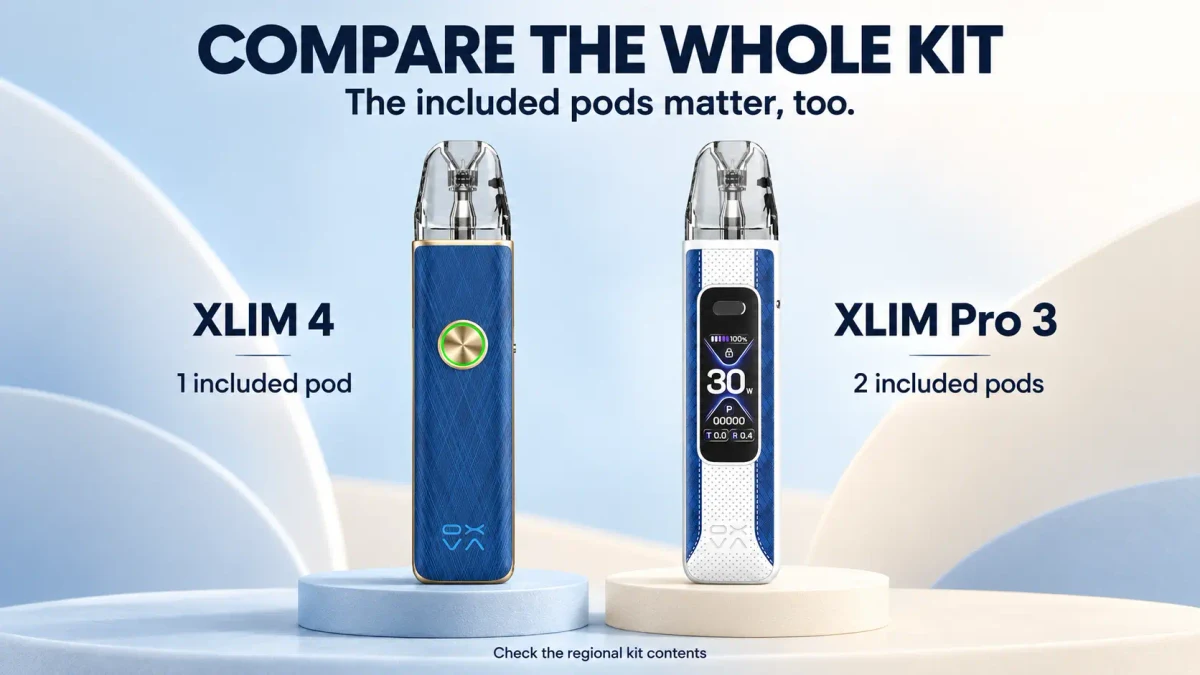
| Included pods | One 0.8Ω XLIM Top Fill UNITECH 3.0 | Two XLIM Top Fill pods: 0.6Ω and 0.8Ω |
| Pod capacity | 3ml standard / 2ml TPD | 3ml standard / 2ml TPD |
| Airflow | Adjustable side slider | Adjustable side slider |
| Official-store USD price at checking | $25.90 | $35.90 |
Specifications: OXVA XLIM 4, OXVA XLIM Pro 3 and their manuals. Prices: XLIM 4 store listing and Pro 3 store listing, using the same store’s United States/USD view. Shipping is calculated at checkout. The XLIM 4 listing showed pre-order when checked; local prices, offers and dispatch dates can differ. Dimensions above use standard versions; the Pro 3 manual also lists a shorter TPD version.
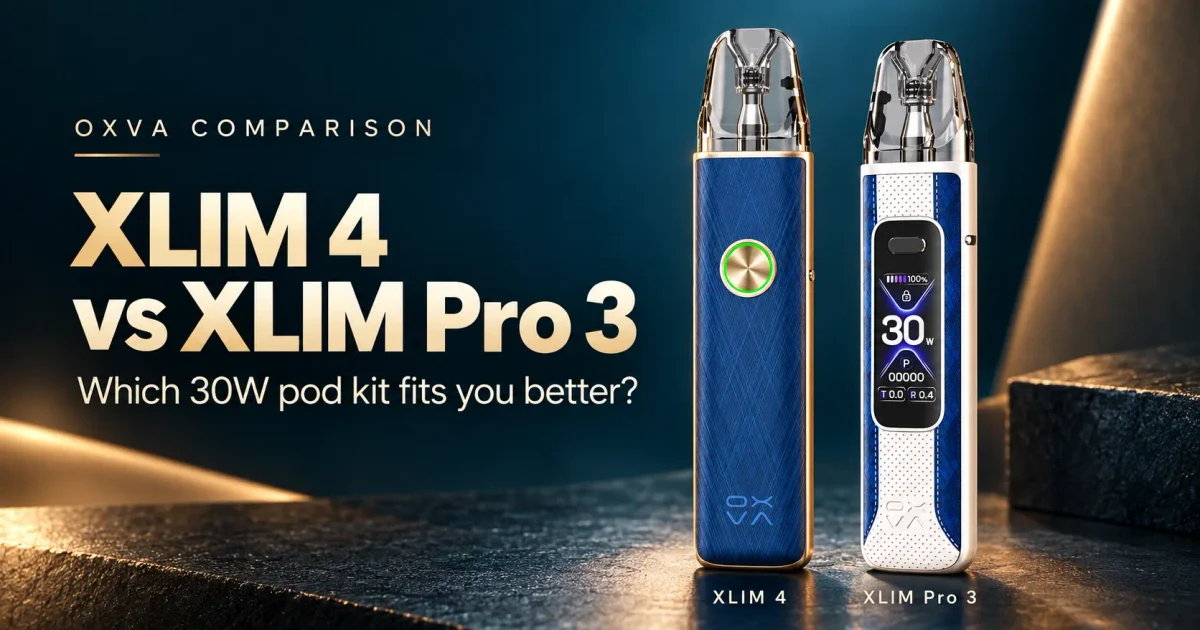
Operation: three choices or your own wattage?
The XLIM 4 lets you double-click its circular button to move between Low, Medium and High. The manual describes inhaling to activate the device, while the button handles power and lighting adjustments. 5
That suits someone who normally thinks of a draw as a little softer or a little stronger. You can make that change without deciding on a number.
The Pro 3 is more useful when you already have a preferred wattage. Its manual documents both draw and button activation, plus a three-click command for wattage adjustment. You can return to a specific setting and see it on the screen. 6
Both have a physical airflow slider. The XLIM 4 therefore retains draw adjustment even though it simplifies the power interface.
Documentation note: the XLIM 4 store specification table also mentions button activation. Its manual documents draw activation and button-operated settings, so this comparison follows those documented operations rather than assuming the button works as a fire key.
Display: a quick signal or useful detail?
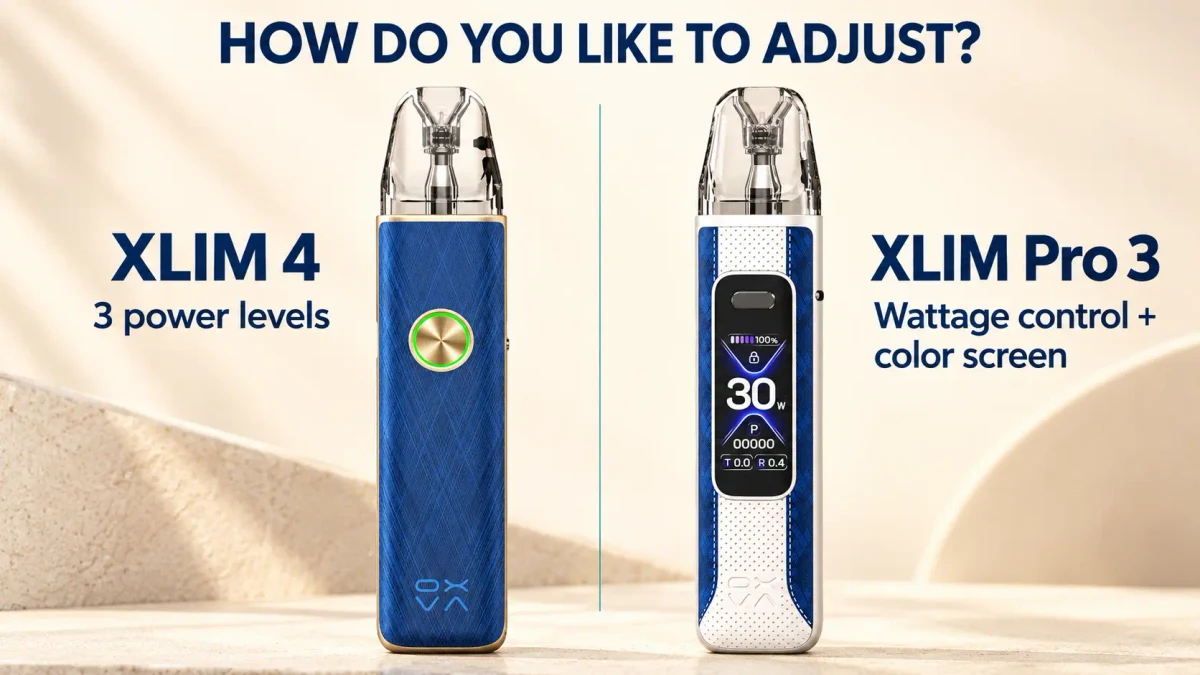
The XLIM 4’s ring light provides broad battery ranges: approximately 65–100%, 30–65% and the bottom 30%. That is enough for a quick check, but the middle band covers a considerable amount of remaining charge. 5
The Pro 3’s screen shows battery information, wattage and resistance. If you check remaining charge before leaving home or change pods regularly, those details have a practical purpose. If you rarely look at them, a screen adds less value to your routine. 2
Size and battery: surprisingly close
The screen-equipped Pro 3 is actually the slightly smaller device on the standard-version figures. It is 1.1mm shorter, 0.5mm narrower and 0.2mm thinner. Its listed weight is also 0.7g lower. These are small differences, so neither has a strong portability advantage over the other.
The XLIM 4 does add 100mAh, approximately 6.7% more nominal battery capacity. That gives it a modest capacity advantage, but does not establish a matching improvement in runtime. Pod resistance, selected output and puff duration still matter.
Both list the same 5V/2A charging input. That rating alone cannot prove equal charging times, and neither the battery nor the charging specification settles the buying decision.
Included pods: new cartridge design versus more choice
The XLIM 4 arrives with one 0.8Ω UNITECH 3.0 cartridge. OXVA describes changes to its wicking, airflow and leak protection. Those design claims do not establish better flavour or longer life than the Pro 3’s supplied pods without comparative testing. 1, 3
The Pro 3 includes 0.6Ω and 0.8Ω XLIM Top Fill cartridges. A buyer can try two resistances before placing another order. For someone unsure which draw they prefer, that flexibility is more useful than simply counting one extra item. 2, 4
The new cartridge also does not require a new device: OXVA’s current compatibility information includes the Pro 3 for the named XLIM UNITECH 3.0 platform. An existing Pro 3 owner can consider a compatible pod change before replacing the kit. 1
Price positioning: what does the extra $10 buy?
The dated official-store listings put the XLIM 4 at $25.90 and the Pro 3 at $35.90. The Pro 3’s $10 premium buys a more informative interface, precise power control, documented button firing and a second pod. It does not buy a higher maximum output. 3, 4
For someone comfortable with presets and the included 0.8Ω pod, the XLIM 4 makes a sensible lower-cost choice. Paying for functions that will remain unused offers little benefit.
For someone who wants a screen and intends to try both supplied resistances, the Pro 3’s price is easier to justify. Compare the kit price with the replacement-pod purchase you would otherwise make. If pods are sold only in packs, use the cost of the pack you actually need to buy when working out your initial spend.
Which one fits you better?
Choose the XLIM 4 if three power levels, a status light and one familiar pod resistance cover your needs. Its lower listed price is the stronger argument than its small battery increase.
Choose the XLIM Pro 3 if you want to see and select an exact wattage, read more battery information or try two resistances from the start. Those are usable differences, even though it shares the XLIM 4’s 30W ceiling.
For an owner of a healthy Pro 3, the XLIM 4 mainly changes the interface. The extra 100mAh alone gives little reason to replace a device whose controls already suit you.
Common buying questions
Is the XLIM 4 more powerful than the XLIM Pro 3?
Both have a 30W maximum. The XLIM 4 uses three power presets; the Pro 3 offers numeric wattage adjustment.
Which kit includes more pods?
OXVA lists one 0.8Ω UNITECH 3.0 cartridge with the XLIM 4, and 0.6Ω plus 0.8Ω XLIM Top Fill cartridges with the Pro 3. Check the regional kit or retailer bundle before ordering.
Does the Pro 3 need replacing to use UNITECH 3.0?
OXVA lists the Pro 3 in its current XLIM compatibility information. Confirm the full cartridge name, resistance and regional version; compatibility should not be assumed from the OXVA brand name alone.
Official sources
- OXVA XLIM 4 product page — power interface, dimensions, battery, compatibility and kit contents.
- OXVA XLIM Pro 3 product page — display, dimensions, battery and kit contents.
- OXVA Store: XLIM 4 — USD price, pre-order status and package list, checked 14 October 2026.
- OXVA Store: XLIM Pro 3 — USD price and package list, checked 14 October 2026.
- XLIM 4 user manual — draw activation, button operations and battery indication.
- XLIM Pro 3 user manual — activation, wattage adjustment and regional dimensions.